

The short answer
A mouse pad size chart in centimetres and inches, from small to XXL desk mat, plus a 30-second way to work out the size your desk and your mouse actually need.
Short answer: for normal desk work, a pad between 20 cm and 30 cm across is enough, because you only move the mouse a few centimetres at a time. Go to 45 cm or a full desk mat only if you play at low sensitivity and swipe the mouse with your whole arm. Buying a pad far bigger than your desk is the single most common sizing mistake.
Mouse pad sizing looks arbitrary because every brand names its sizes differently, and half of them quote inches while the other half quote centimetres. The numbers below are the sizes the industry has settled on, in both units, so you can measure your desk once and stop guessing.
Mouse pad size chart in cm and inches
| Size | Centimetres | Inches | Who it suits |
|---|---|---|---|
| Small | 25 × 21 cm | 9.8 × 8.3 in | Tight desks and laptop bags. Fine at high sensitivity, cramped at low. |
| Round | 23 cm across | 9.1 in across | Mouse-only use on a normal desk. No corners to curl or catch a sleeve. |
| Medium | 32 × 27 cm | 12.6 × 10.6 in | The default rectangular pad. Comfortable for most people. |
| Large | 45 × 40 cm | 17.7 × 15.7 in | Low-sensitivity gaming, wide arm sweeps, or a mouse plus a notebook. |
| XL desk mat | 80 × 30 cm | 31.5 × 11.8 in | Keyboard and mouse on one mat. Needs 80 cm of clear desk. |
| XXL desk mat | 90 × 40 cm | 35.4 × 15.7 in | Full-width desk coverage. Only for desks 120 cm or wider. |
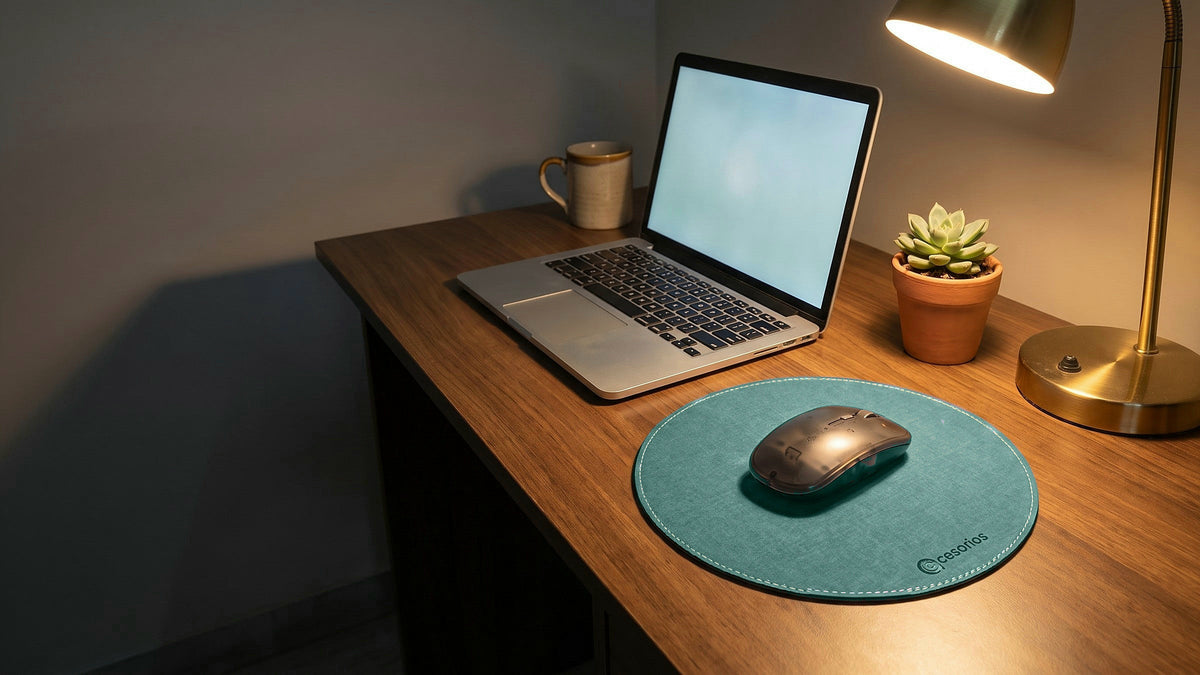
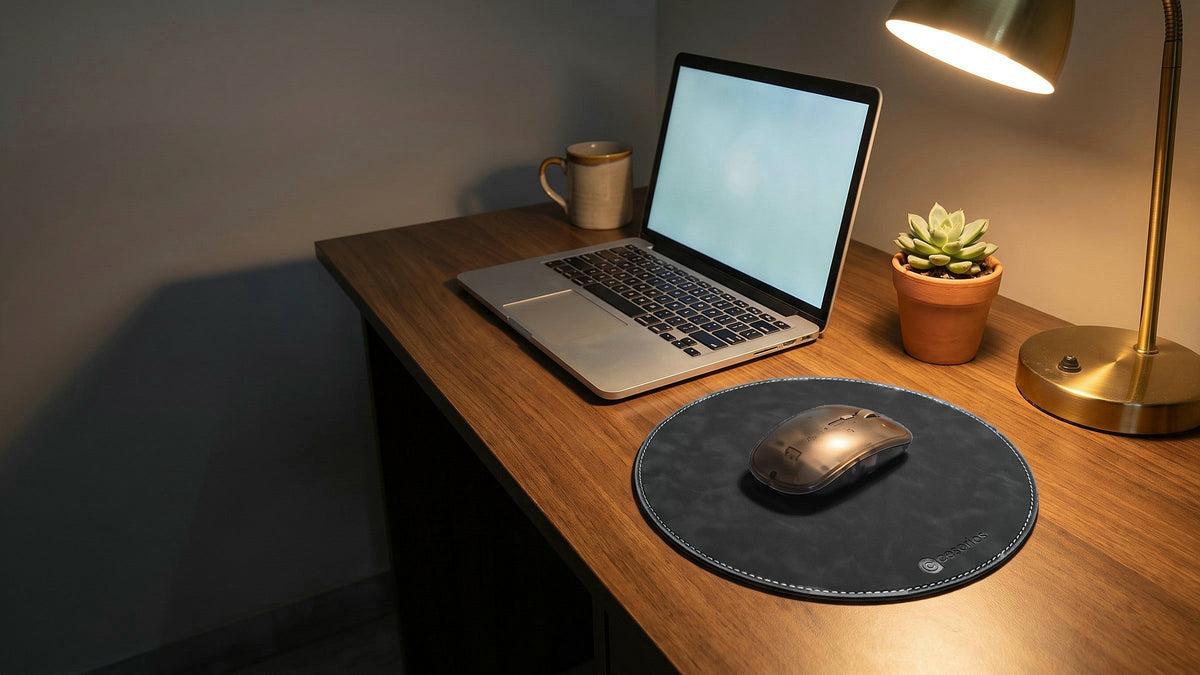
Sizes vary a little by brand, so treat these as the standard bands, not exact specs. Ours sits in the round row: 23 cm across, which you can see on the round mouse pads page.
- Small 25 × 21 cm
- Round 23 cm
- Medium 32 × 27 cm
- Large 45 × 40 cm
- XL mat 80 × 30 cm
- XXL mat 90 × 40 cm
All six footprints drawn to the same scale. Both rows use one scale, so the XXL mat really is nearly four times the width of the round pad.
How to work out your own size in 30 seconds
- Measure the clear space to the right of your keyboard (or left, if you are left-handed), front to back and side to side. That is your ceiling. A pad that overhangs the desk edge is worse than a small one.
- Check how you actually move the mouse. Move the cursor from one edge of the screen to the other, then look at how far the mouse travelled. Under 10 cm and any pad will do. Over 20 cm and you want Large or a mat.
- Add about 5 cm of margin in the direction you sweep. You want to run out of screen before you run out of pad.
Sensitivity is the whole story here. At 1,600 DPI and above, where most office mice and nearly all laptops sit, the mouse barely moves, and a 23 cm to 32 cm pad is generous. At 400 to 800 DPI, which competitive players use so that aiming is steadier, a full arm sweep can cross 40 cm, and a small pad will get in your way.
Does shape matter? Round versus rectangular
For mouse-only use, a round pad covers the area you actually use and leaves out the corners you never touch. Mouse movement radiates out from a single pivot near your wrist, so the used region is closer to a circle than a rectangle. The corners of a rectangular pad are mostly decoration and a place for the edge to lift.
Rectangular still wins in two cases: if the keyboard sits on the pad too, and if you swipe in long straight horizontal lines, where the extra width matters more than the wasted corners.
The practical argument for round is duller and more useful: there is no corner to catch, curl or fray. Corner curl is how most cloth pads start to look old, and a circle has none.

Thickness is a size too
Length and width get all the attention, but thickness changes how the pad feels more than either.
- 1 mm to 2 mm. Your wrist stays at natural desk height. Nothing to catch your forearm on at the near edge. Packs flat. Ours are 1.3 mm.
- 3 mm to 5 mm. The usual cloth-over-foam pad. Slightly cushioned, but the foam compresses unevenly under your wrist, and the raised near edge presses into your forearm on a low desk.
- 6 mm and up. Gaming pads with thick rubber. Stable, but they curl at the corners over time and have to be rolled to travel.
Thickness matters most on low desks and standing desks, where your forearm rests near the pad edge. If you carry the pad between home and office, thin wins outright. Our Ash Grey and Sage Green chambray pads and the three vegan-leather colours are all 1.3 mm. Which of those two surfaces suits you is a separate question, covered in our mouse pad material guide.
Common sizing mistakes
- Buying XXL for a 100 cm desk. A 90 cm mat on a 100 cm desk leaves no room for anything else, and the edges hang over if the desk has a lip.
- Forgetting the monitor stand. A desk mat has to fit in front of the stand, not under it. Measure from the stand's front foot to the desk edge.
- Sizing for your screen instead of your hand. Two monitors do not mean you need a bigger pad. Sensitivity decides pad size; screen area does not.
- Buying thick for wrist comfort. A wrist rest solves that properly. A thick pad just raises the whole mousing surface and tilts your hand.
- Ignoring the desk edge. On a desk with a rolled or bevelled front edge, a pad thicker than about 3 mm creates a ridge right where your forearm sits.
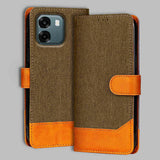
If you want a pad that fits a normal desk without taking it over, our round mouse pads are 23 cm across and 1.3 mm thin, in five colours, made in India. We also make wallet flip covers in denim and chambray.
Frequently asked questions
What is the standard mouse pad size?
There is no single standard, but the most common rectangular pad is around 32 × 27 cm, or 12.6 × 10.6 inches. Small pads run about 25 × 21 cm, large ones about 45 × 40 cm, and desk mats 80 to 90 cm wide. Round pads are usually between 20 cm and 25 cm across.
Is a 23 cm mouse pad big enough?
For almost all office and laptop use, yes. At the 1,600 DPI and above that most modern mice ship with, crossing a full screen takes under 10 cm of mouse movement, so a 23 cm pad leaves a wide margin. It is not enough if you deliberately run 400 to 800 DPI for gaming and sweep with your whole arm.
Are round mouse pads good?
For mouse-only use they suit the movement well, because the mouse pivots around your wrist and sweeps an arc rather than a rectangle. The corners of a rectangular pad are the part you rarely touch and the part that curls or frays first. Round is the wrong choice only if the keyboard also sits on the pad, or if you sweep in long horizontal lines.
What size mouse pad for a laptop?
Small or round, 23 to 27 cm. Laptop desks are usually shallow, laptop mice are high sensitivity, and you may be carrying the pad around. Thickness matters more than area here: a pad under 2 mm slides into the laptop sleeve flat, while a 4 mm foam pad has to be rolled.
Does mouse pad thickness matter?
Yes, more than most people expect. Thickness sets how high your hand sits and whether the near edge presses into your forearm. Thin pads of 1 to 2 mm keep your wrist at natural desk height and travel flat. Thicker foam pads feel cushioned at first but compress unevenly where your wrist rests, and they curl at the corners over time.
A 23 cm round pad that fits a real desk
Our round mouse pads are 23 cm across and 1.3 mm thin, in five colours. Free shipping and free COD across India.
Shop mouse pads


Get the next guide first
Care tips and buying guides for your phone — no spam.